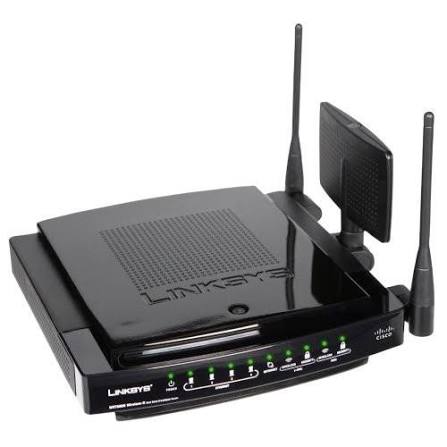
Hotspot and PPPoE
Packages and subscriber plans go live the moment payment clears and cut off when they expire.
Bill, authenticate and control every ISP you run from one platform. Connect MikroTik routers, take M-PESA payments and switch customers on and off automatically, with each ISP fully isolated.
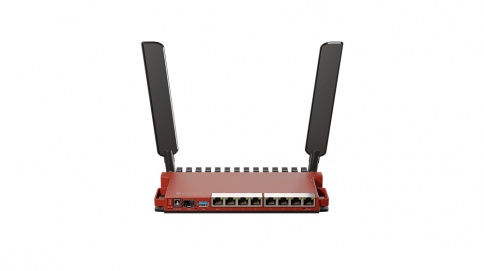
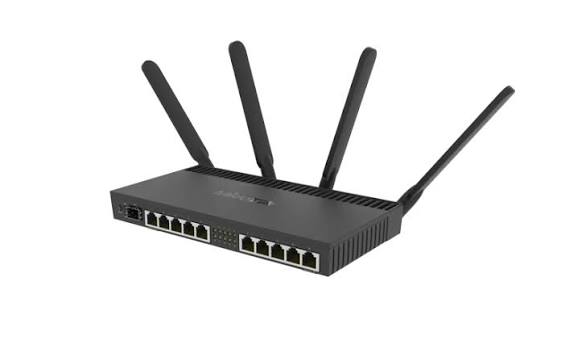

Stop checking M-PESA messages and editing routers by hand. Luminet connects payment, authentication and the router into one automatic loop.
Packages and subscriber plans go live the moment payment clears and cut off when they expire.
STK Push, signed-callback verification and automatic reconciliation.
Deploy RouterOS scripts and configure gateways from the dashboard.
Prepaid codes plus daily, weekly and monthly revenue reports.
Customers restore access with their M-PESA code, no support call needed.
Most small ISPs bill by hand: read the payment message, find the customer, log in to the router, enable them, remember to disable them later. Luminet replaces every one of those steps.
Gateways, customers, sessions and collections on one screen, refreshed automatically. Setup nudges tell you exactly what is left before you can start billing.
Each ISP has its own customers, routers, plans, billing wallet and reporting. The platform owner sees everything. Customers see only their own account.
Every ISP connects its own M-PESA configuration, so collections go to the right place and are reported separately.
Gateways, routers and RADIUS records are tied to one ISP. One operator can never see or change another's network.
Role-based dashboards give platform admins, ISP admins and customers exactly the screens they should have.
Three kinds of user, three dashboards. Nobody sees more than they need.
From package choice to live access in four moves. Vouchers cover customers without M-PESA, and a customer who drops offline can restore their session with the M-PESA code from their payment.
Customer chooses a package.
STK Push hits their phone.
Signed callback is checked.
Access granted on the router.
A payment only counts after its callback is verified. Nothing is switched on from a screenshot or a forwarded message.
Transactions are matched to customers, plans and gateways, so the books agree with what the router did.
Generate prepaid codes with expiry and per-plan limits for agents, desks and customers without a phone wallet.
The captive portal is built for a phone held in one hand. Pick a package, confirm on the M-PESA prompt and you are online.
Run Hotspot, PPPoE and prepaid vouchers side by side from the same plans and the same dashboard.
Time- or data-based access through a captive portal. Ideal for public venues, estates and short-stay guests.
Monthly or recurring subscriber plans for homes and businesses, authenticated through FreeRADIUS.
Prepaid codes you can sell anywhere, redeemed once and tracked from creation to expiry.
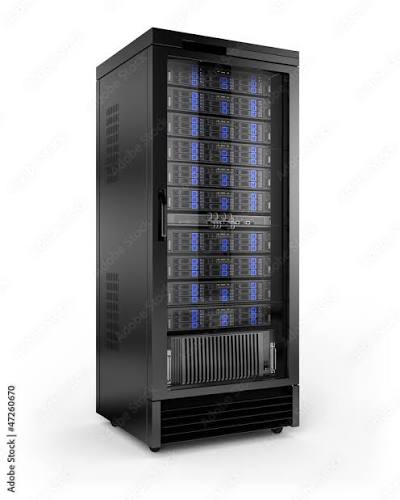
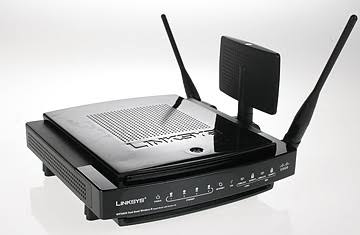
No new hardware. Luminet works with the RouterOS devices already in your racks.
Name it and generate a one-time provisioning token from the dashboard.
Run the generated RouterOS script on the router. It sets up the connection for you.
The router checks in over a secure tunnel and shows as online.
Attach plans and a portal, then customers can pay and connect.
Five steps, all from the dashboard. You do not need to be a RouterOS expert.
Register your business and sign in to your own dashboard.
Add your shortcode and credentials so collections go straight to you.
Generate a token and paste the provisioning script into your MikroTik router.
Set speeds, prices and durations, then pick a portal template.
Customers pay by M-PESA or voucher and the router connects them automatically.
Day-to-day tools for ISP admins, with a separate view for customers.
Design captive portal pages and reuse them from a template library, so every location looks like your brand.
See gateways, routers and active users on a map, with topology views and heatmaps for user density and bandwidth.
Control customer access, plans, sessions and concurrent-login limits from one console.
Separate live views for platform admins, ISP admins and customers, each showing only what they need.
Every M-PESA callback is verified before access is granted.
See which devices each customer has used and manage them per account.
Router actions and admin changes are recorded so you can see who did what.
Email and SMS hooks for payment receipts, expiry reminders and alerts.
Revenue and usage roll up automatically, so month end is a download rather than a project.
Payments, access and data are protected at every step.
M-PESA confirmations are verified before any access is granted.
Every record is scoped to its ISP, so tenants never mix.
Platform admins, ISP admins and customers each get only their own tools.
Throttling protects login and payment endpoints from abuse.
Router and admin actions are logged with who, what and when.
The web app tells you when you are offline instead of losing changes silently.
Luminet uses the tools network engineers already trust, so nothing about your setup is exotic.
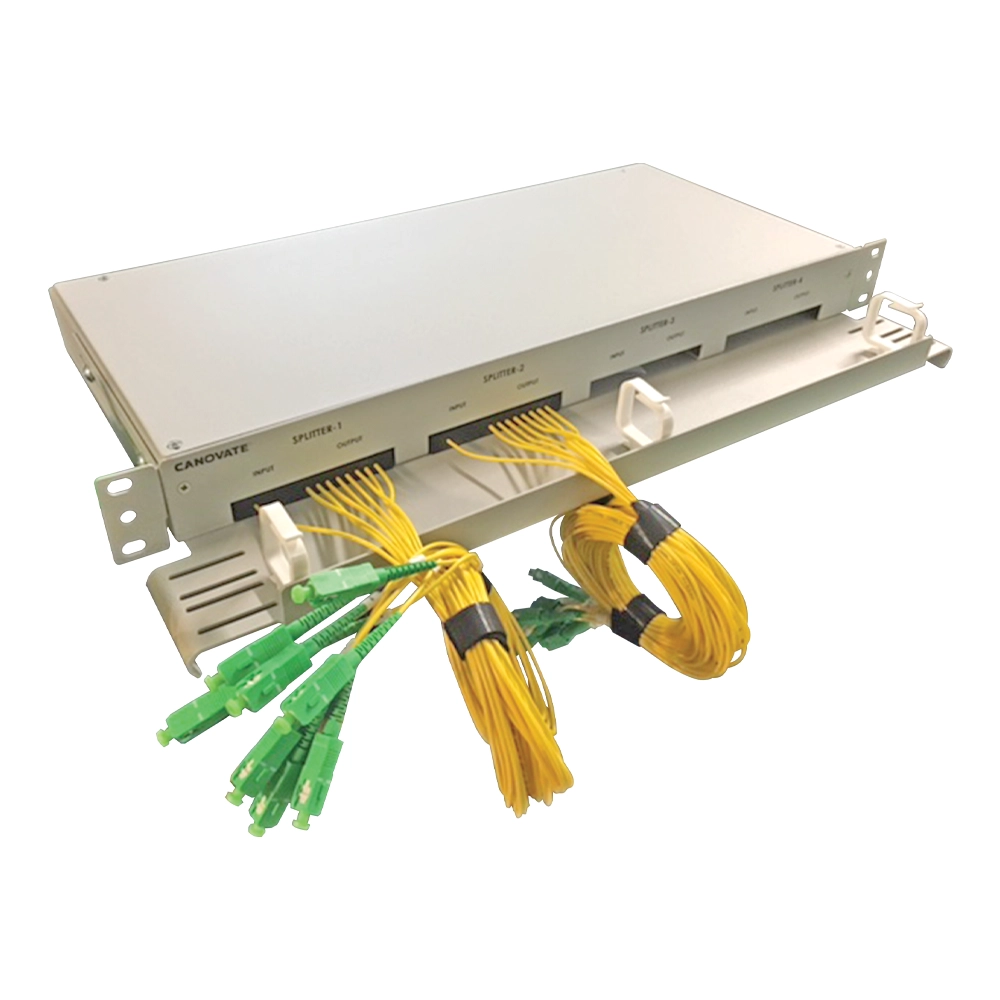
Our technicians install and test the links your customers depend on, then hand over a network that is ready to bill on Luminet.

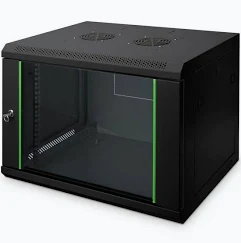
If you sell access to a network, Luminet handles the billing and control.
Run subscribers, plans and collections for a whole region without a spreadsheet or a billing consultant.
Sell time-based access in malls, stages and public spaces, paid by M-PESA or prepaid voucher.
Give every household a plan and a portal, and see which units are paid up at a glance.
Issue vouchers at the desk, limit devices per guest and keep the guest network separate.
Pick the plan that fits your network. No hidden fees.
One location, just getting started.
Several locations.
Large and multi-ISP deployments.
Not sure which plan fits? Ask the admin on WhatsApp.
Hotspot, PPPoE, vouchers and reports come with every plan. The difference is how big you can grow.
| Starter | Professional | Enterprise | |
|---|---|---|---|
| Price | KES 2,500 / mo | KES 9,000 / mo | KES 25,000 / mo |
| Locations | 1 | 5 | Unlimited |
| Routers | 1 | 10 | Unlimited |
| Devices per month | 500 | 5,000 | Unlimited |
| Hotspot and PPPoE | ✓ | ✓ | ✓ |
| M-PESA and vouchers | ✓ | ✓ | ✓ |
| Revenue reports | ✓ | ✓ | ✓ |
| API access | — | ✓ | ✓ |
| White label | — | — | ✓ |
| Support | Priority | Dedicated manager |
The short answers. For anything else, text the admin.
Luminet is a multi-ISP billing engine. It manages routers, plans, payments and customers for many ISPs from one platform, with each ISP isolated from the others.
Yes. Luminet connects over the RouterOS API and authenticates users through FreeRADIUS. Guided first-time setup generates the script for your router.
Customers pick a package and receive an M-PESA STK Push on their phone. Once the signed callback is verified, access is granted on the router automatically. Prepaid vouchers cover customers without M-PESA.
Expired accounts are disabled automatically. The customer can renew with a new payment, or restore the same session with their M-PESA code.
The platform owner sees every ISP. Each ISP admin sees only their own gateways, customers, plans and reports.
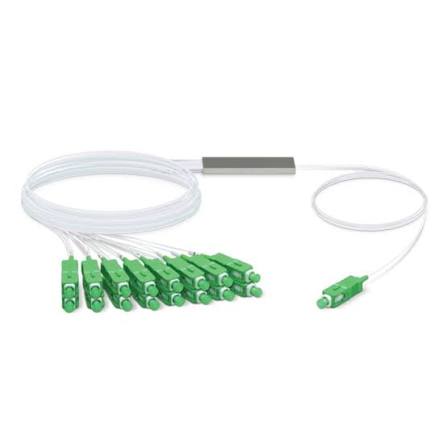
Yes. Luminet technicians handle fibre testing, racks, cabling, Wi-Fi and CCTV. Request a quote on WhatsApp.
Luminet installs to your phone like an app from the browser, works as a full-screen web app and shows a clear message when you are offline.
Select Create your ISP, add your M-PESA details, connect your first gateway and publish a plan.
Questions about Luminet, pricing or an installation? Text the admin on WhatsApp and get a reply there.
Manage routers, customers and payments from one platform.