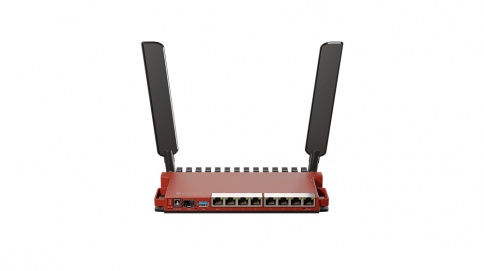
Multi-gateway provisioning
Register unlimited MikroTik gateways and push one bootstrap script to each.
Set up billing and MikroTik control in a few minutes.
Everything an ISP needs to sell and control access, from one dashboard.
Register unlimited MikroTik gateways and push one bootstrap script to each.
STK Push, verified callbacks and automatic reconciliation.
Plans go live when payment clears and switch off when they expire.
Prepaid codes plus daily, weekly and monthly revenue reports.
Customers restore access with their M-PESA code, no support call needed.
Generate a token, run the script, and the router checks in as online.
Set an ISP-wide default payment config, or override it for any single site.
Hotspot and PPPoE authentication configured on every device you deploy.
Your customers, routers, plans and wallet are never mixed with another ISP's.
It is a short, unique name for your ISP on the platform. Pick something you will remember, using letters, numbers, hyphens or underscores (3 to 20 characters).
Use your business number. Choose your country flag first, then type the number. It is saved in international format.
No. You can create the account first, then add M-PESA and your first gateway from the setup page.